
A full walkthrough
How a Rephobia session works
Four steps, one continuous session. Written for clinicians thinking about bringing graded exposure into their practice.
This walkthrough shows the fully interactive VR platform, now in early access. The browser-based 360 experience follows the same graded principles - with nothing to set up at all.
- 1
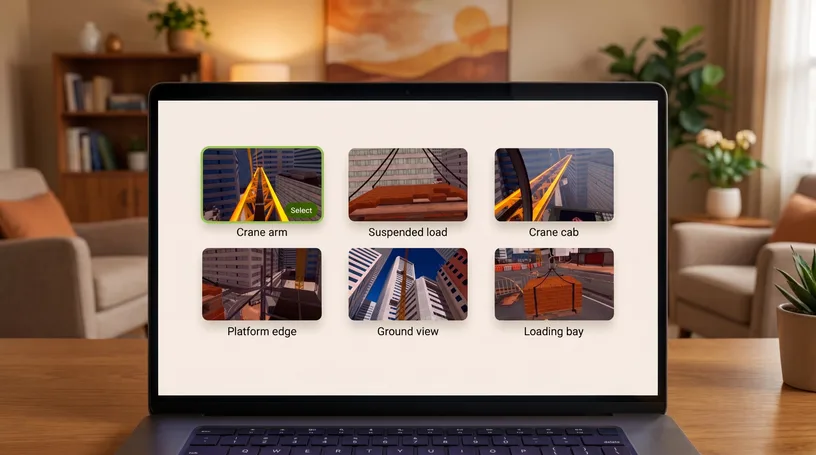
Choose
Find the right starting point
Browse a library of calm, controlled VR environments and pick the one that fits what your client is working through. Start with acrophobia, with more scenarios growing over time. Each is ready to tailor, so you begin where it suits them.
- 2
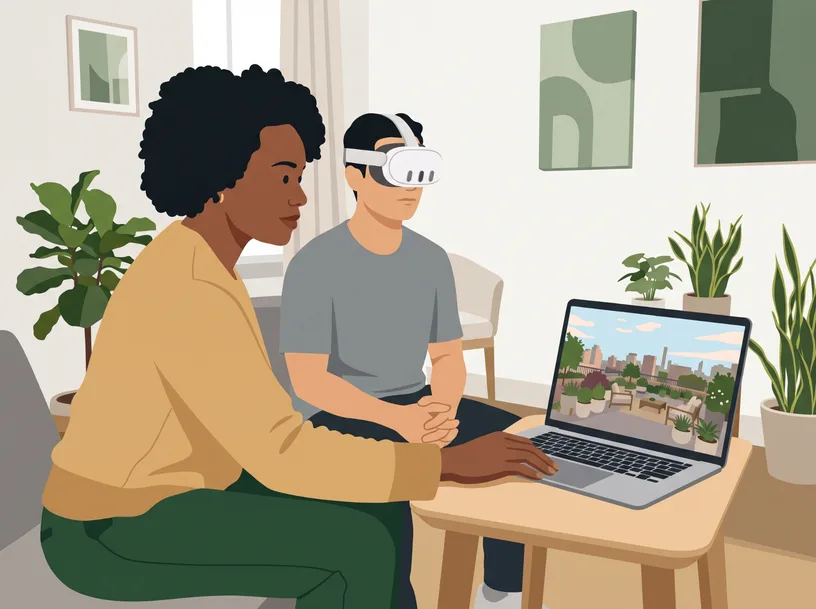
Ease in
Begin somewhere they feel safe
Set a starting intensity that feels manageable and build from there. The environment stays consistent and predictable, so each session feels familiar, and you can return to the same conditions whenever you need.
- 3
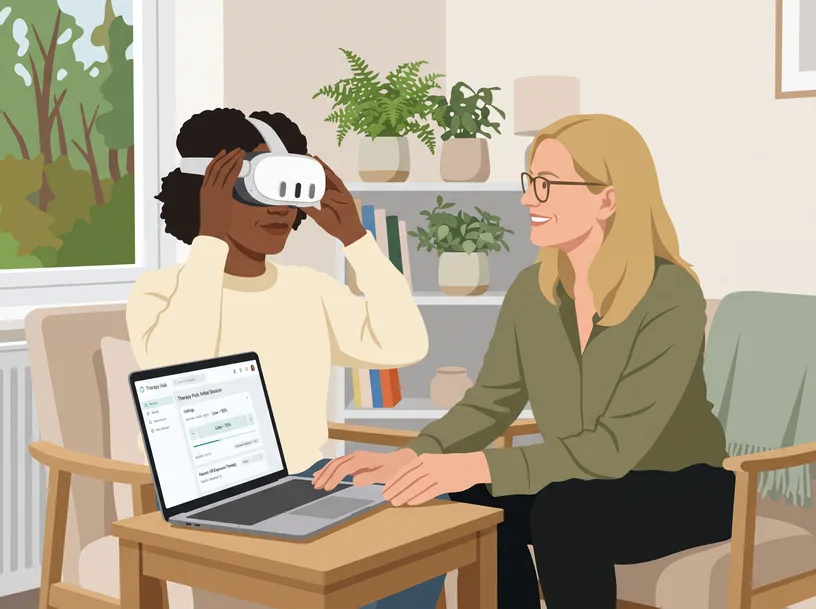
Guide
Stay with them, at their pace
Lead the session from your screen while your client is in VR, seeing what they see throughout. Ease the intensity up or down in real time, under your clinical judgement. The session never runs without you.
- 4
Review
See how far they've come
Look back over SUDS ratings and session history to track progress across appointments. Spot what helped, plan the next step together, and repeat with the same controlled conditions.

Ready to bring Rephobia into your practice?
Book a walkthrough to see the clinician console, talk through how it fits your service, and ask about early-access availability.
Or feel it for yourself first - try the browser-based 360 experience now.